AllCampus Logos
The approved AllCampus logos consist of a Primary Logo, a Secondary Logo and the AC Mark which can be used independently. Please review the visual style guide for details on usage. A .PNG file is a web friendly file type and an .EPS is a file type used for print.















AllCampus Documents
The below are downloadable .PDF files. The visual style guideline represents the visual brand direction for AllCampus. The brochure is a client facing document promoting all the services we offer. The benefits brochure is an internal document for new employees.


AllCampus Branded Google Docs
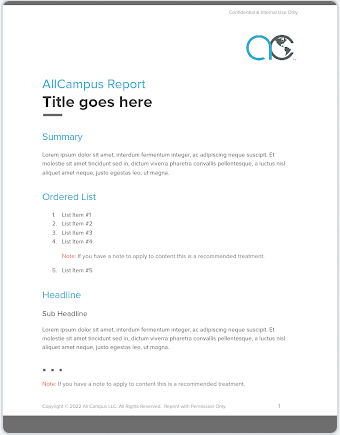
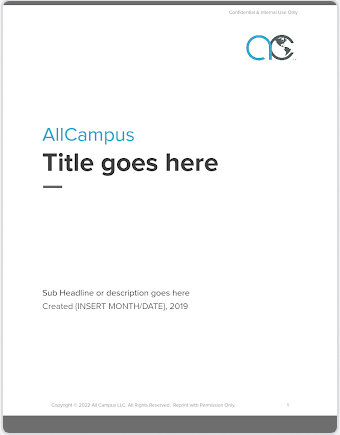
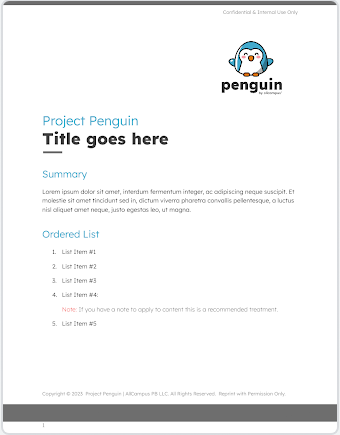
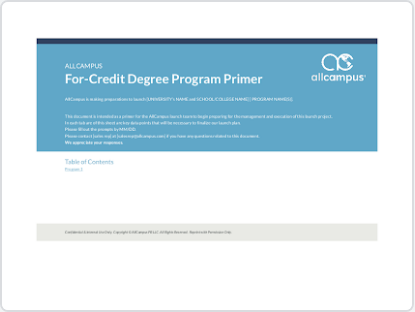
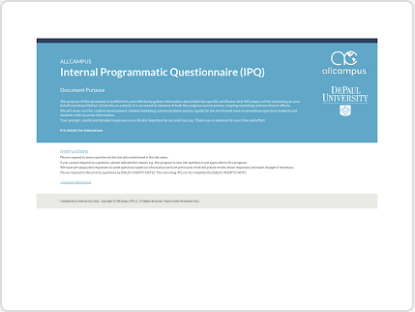
The preferred method of accessing branded Google Docs is to visit the Google Doc Template Gallery where you should default to AllCampus managed templates. Clicking on any document in Template Gallery will automatically create an iteration of that doc on your personal drive and you can manage the share settings from there.
AllCampus Branded Google Slide Decks
The preferred method of accessing branded Google Slide Decks is to visit the Google Slides Template Gallery where you should default to AllCampus managed templates. Clicking on any slide deck in Template Gallery will automatically create an iteration of that deck on your personal drive and you can manage the share settings from there.
![{INSERT ALT TAG]](https://assets.allcampus.com/wp-content/themes/asset/images/documents/allcampus/google-slide-base-template-acmark.png)
![{INSERT ALT TAG]](https://assets.allcampus.com/wp-content/themes/asset/images/documents/allcampus/google-slide-base-template.png)
![{INSERT ALT TAG]](https://assets.allcampus.com/wp-content/themes/asset/images/documents/allcampus/google-slide-sales-template.png)
![{INSERT ALT TAG]](https://assets.allcampus.com/wp-content/themes/asset/images/documents/allcampus/google-slide-marketing-template.png)
![{INSERT ALT TAG]](https://assets.allcampus.com/wp-content/themes/asset/images/documents/allcampus/google-slide-help-guide.png)
![{INSERT ALT TAG]](https://assets.allcampus.com/wp-content/themes/asset/images/documents/allcampus/google-slide-annual-template-ac-blue.png)
![{INSERT ALT TAG]](https://assets.allcampus.com/wp-content/themes/asset/images/documents/allcampus/google-slide-annual-template-catalina-blue.png)
AllCampus Themed Google Sheets
The preferred method of accessing AllCampus themed Google Sheets is to visit the Google Sheets Template Gallery where you should default to AllCampus managed templates. Clicking on any sheet in Template Gallery will automatically create an iteration of that sheet on your personal drive and you can manage the share settings from there.

AllCampus Font Files
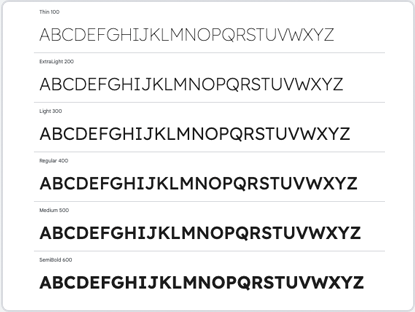
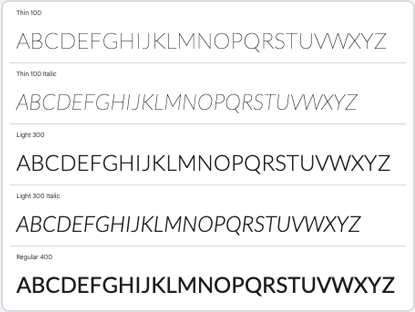
Lexend and Lato are the approved AllCampus fonts. Please review the visual style guide for details on usage. Both are available as Google Fonts and can be downloaded directly from there, as well as providing the ability to create webfont projects for use across digital properties.
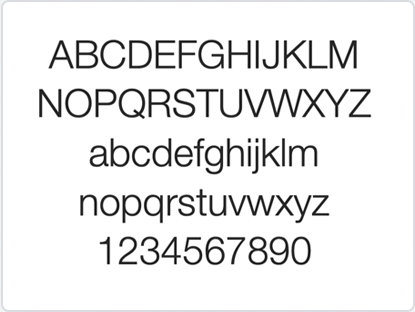
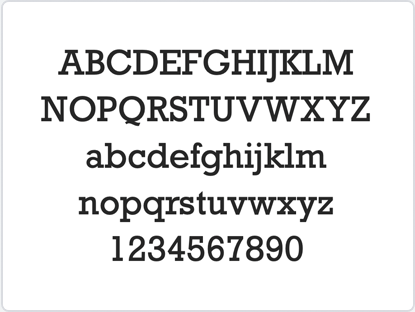
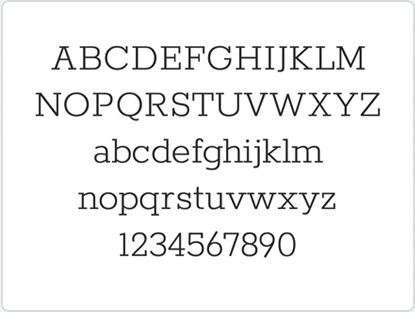
Helvetica Neue, Rockwell and Rokkitt are previous legacy fonts that are no longer in use. Listed here for posterity and if there are legacy projects that need versions of these as we transition to the new approved direction.
AllCampus Imagery
Internal Imagery
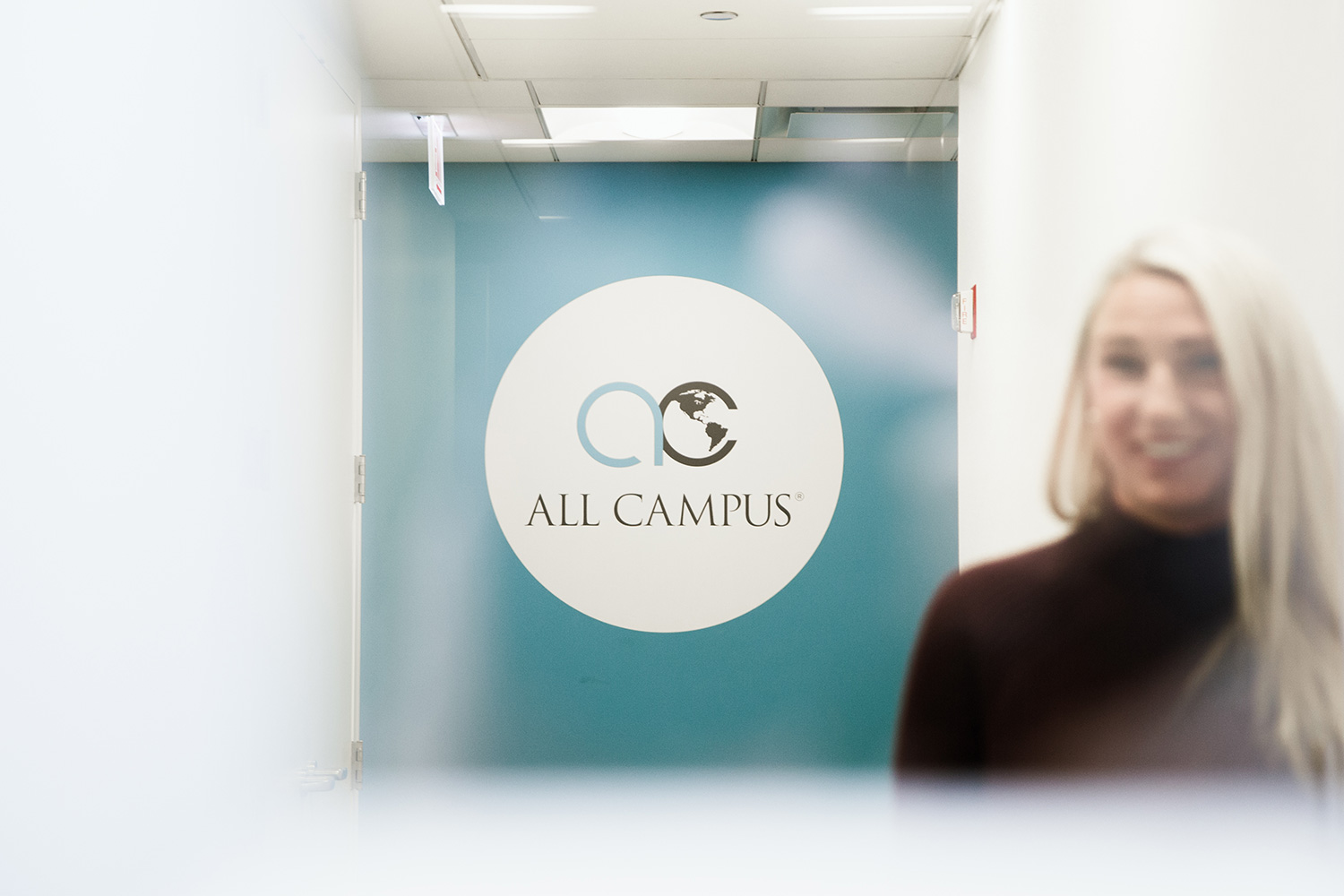
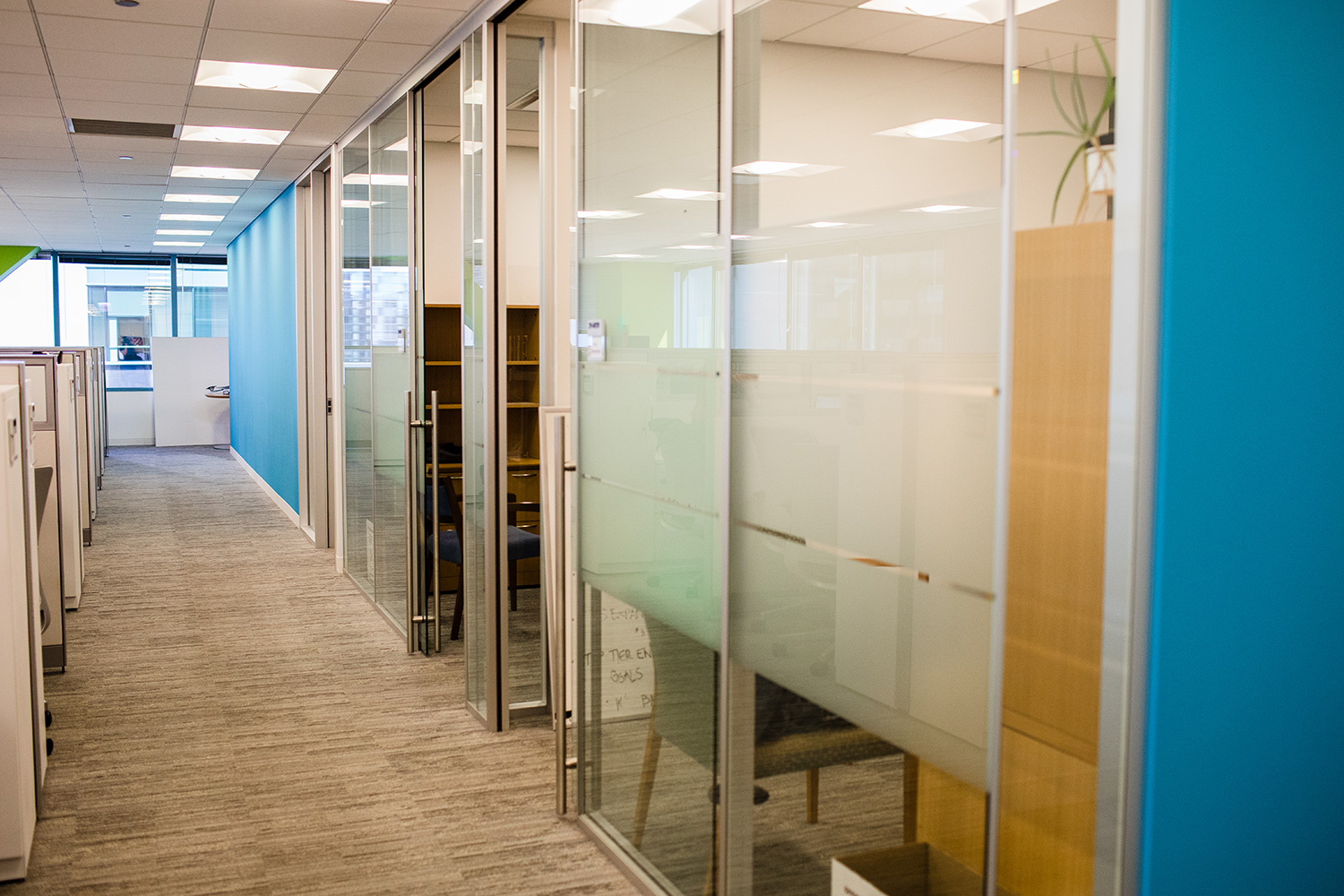
These images are taken from internal photoshoots and are available for download for all company purposes.



















Zoom Backgrounds
These are approved, branded Zoom backgrounds that can be utilized as background images within that platform.









LinkedIn & Facebook Profile Backgrounds
These are approved, LinkedIn and Facebook profile images that can be utilized as background images within those platforms.



Purchased Imagery
These are approved, purchased images that can be used for marketing purposes and client facing assets.









Display Banners
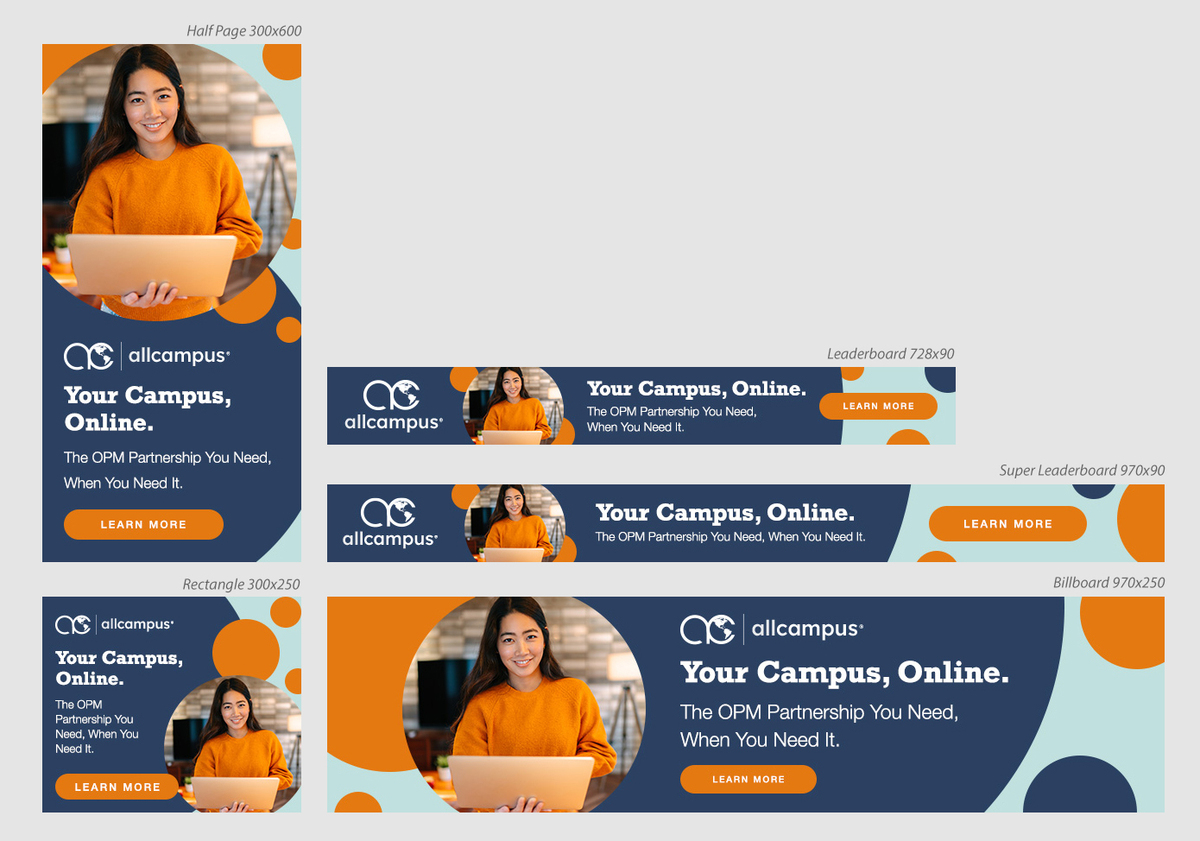
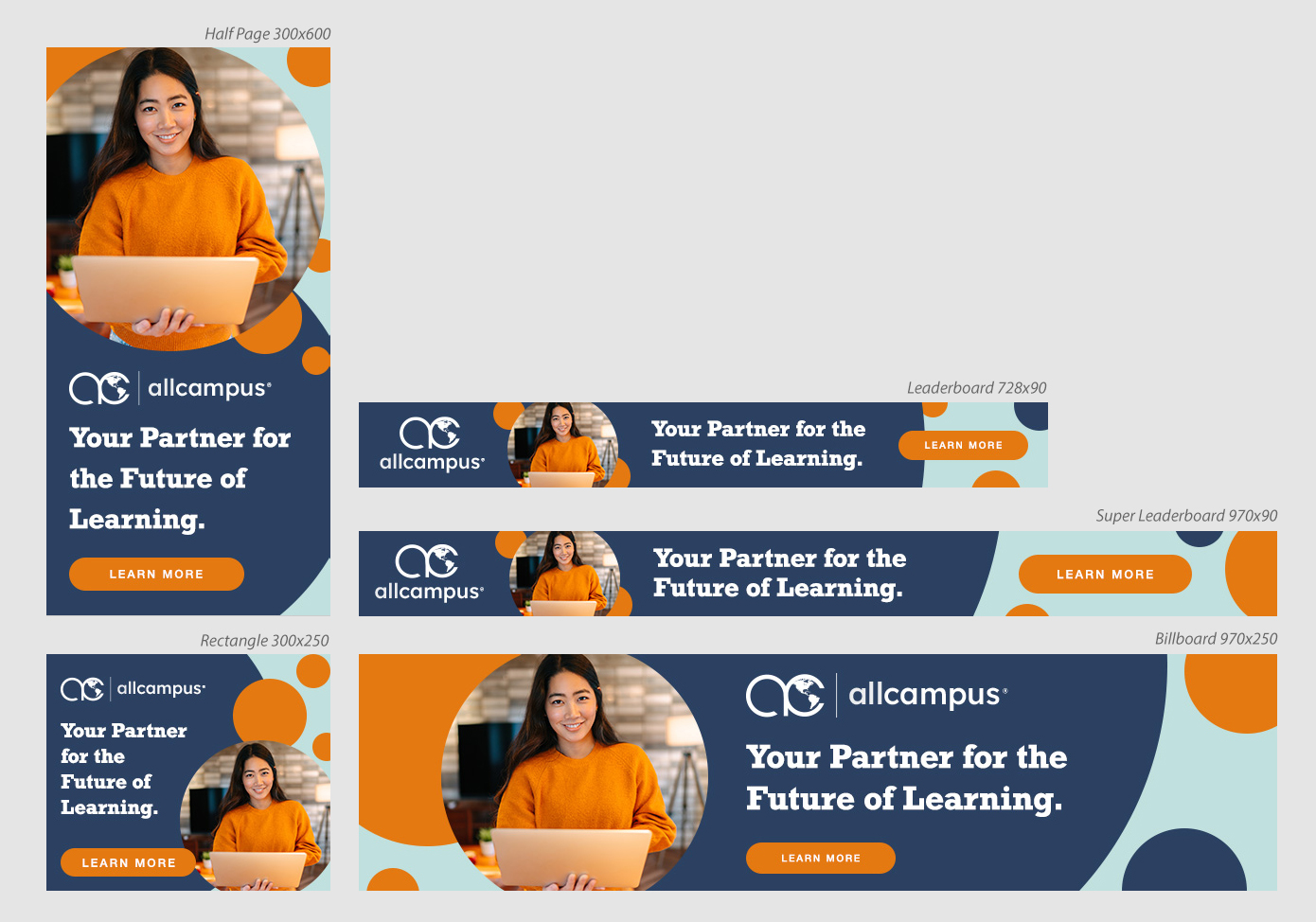
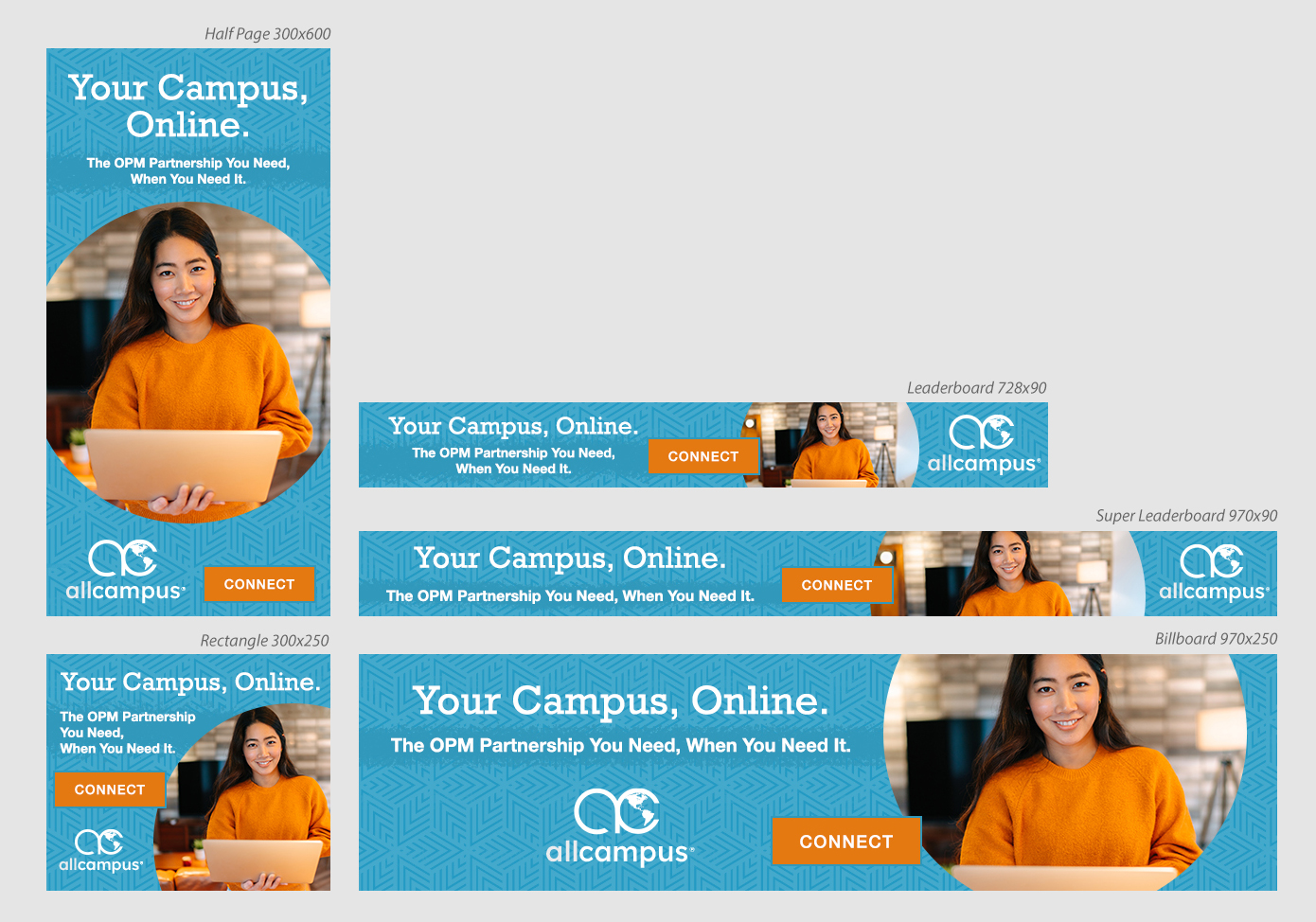
Approved display banner sets can be found in the PPC Display Assets Folder where all internal and client paid media assets are stored. The current sets and sizes were designed for placement with The Chronicle of Higher Education. Additional custom sizes can be requested via design.
Email Signature
Email signature instructions and files can be found on our Atlassian page, where you can set up your email signature to display the latest badges.


Archa Logos
The approved Archa logos consist of a Primary Logo, the Archa Mark and a co-branded lock-up with the AllCampus name. A .PNG file is a web friendly file type, and an .EPS file type is used for print.






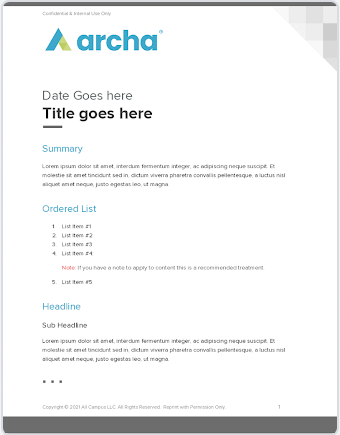
Archa Branded Google Docs
The preferred method of accessing Archa branded Google Docs is to visit the Google Doc Template Gallery where you should default to AllCampus managed templates that include Archa. Clicking on any document in Template Gallery will automatically create an iteration of that doc on your personal drive and you can manage the share settings from there.
Archa Branded Google Slide Decks
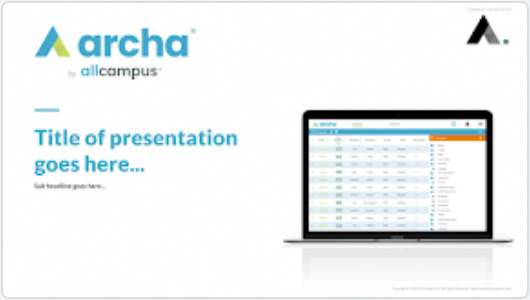
The preferred method of accessing Archa branded Google Slide Decks is to visit the Google Slides Template Gallery where you should default to AllCampus managed templates that include Archa. Clicking on any slide deck in Template Gallery will automatically create an iteration of that deck on your personal drive and you can manage the share settings from there.
Archa Imagery
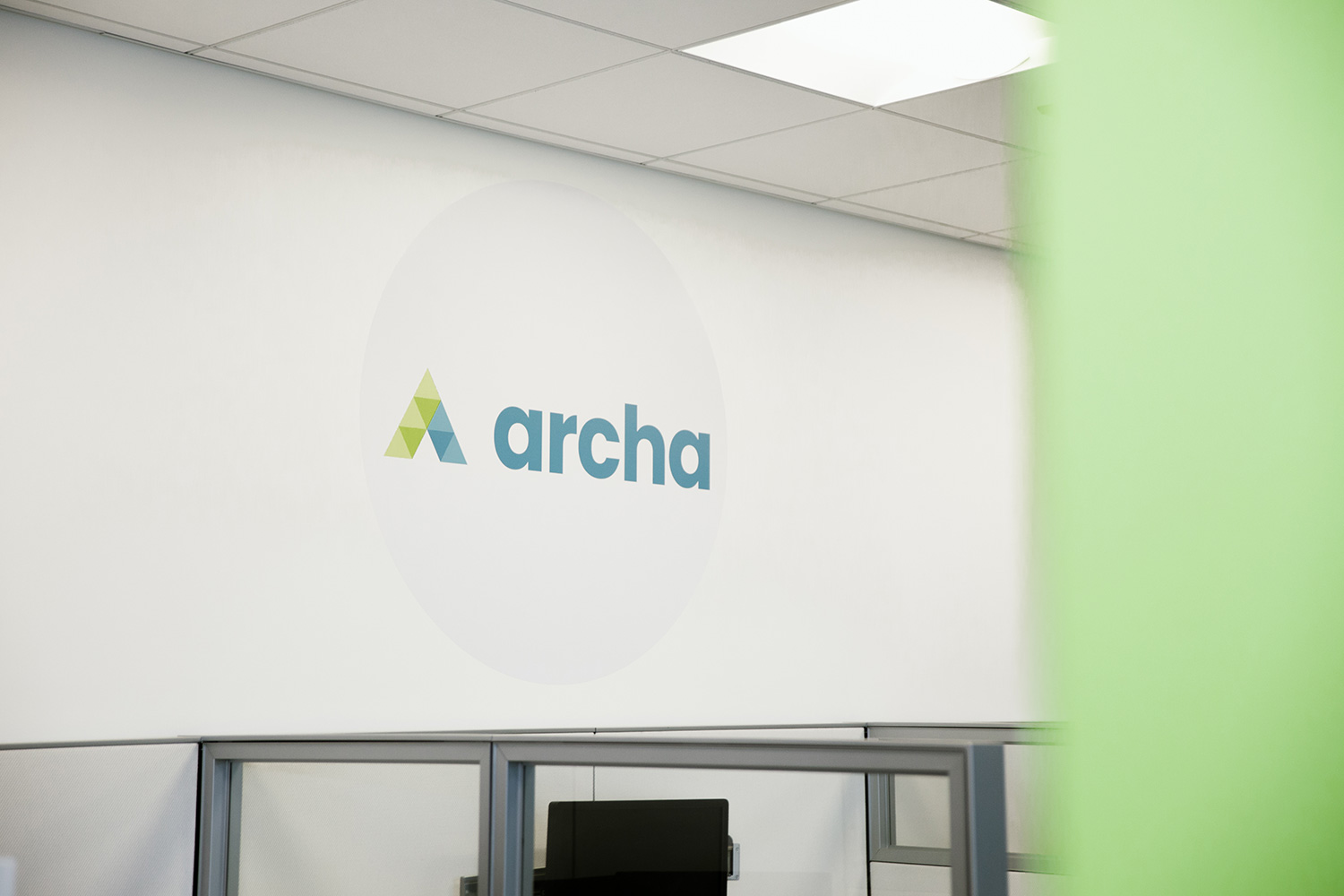
These are images that feature Archa signage or the people that are involved with Archa and can be used for any promotional needs for that platform.





Client Logos
This folder contains all current and approved client logos. See below for direct links to primary logos from schools. A .PNG file is a web friendly file type, and an .EPS file type is used for print. The use of partner logos must be approved before publication on any asset. Contact the associated marketing strategist for questions.